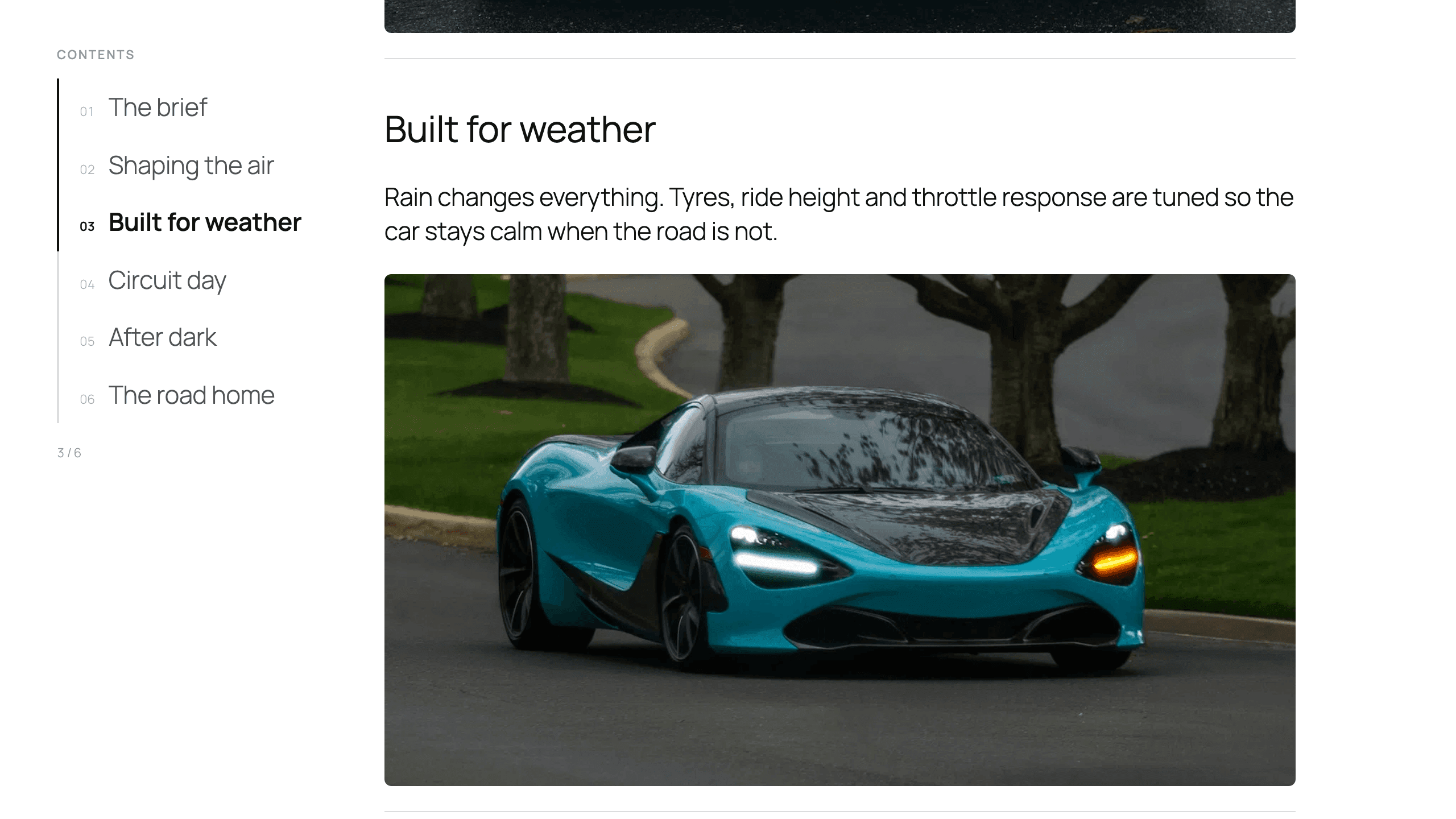
Sticky Chapters
Sticky Media, with Glide Pro
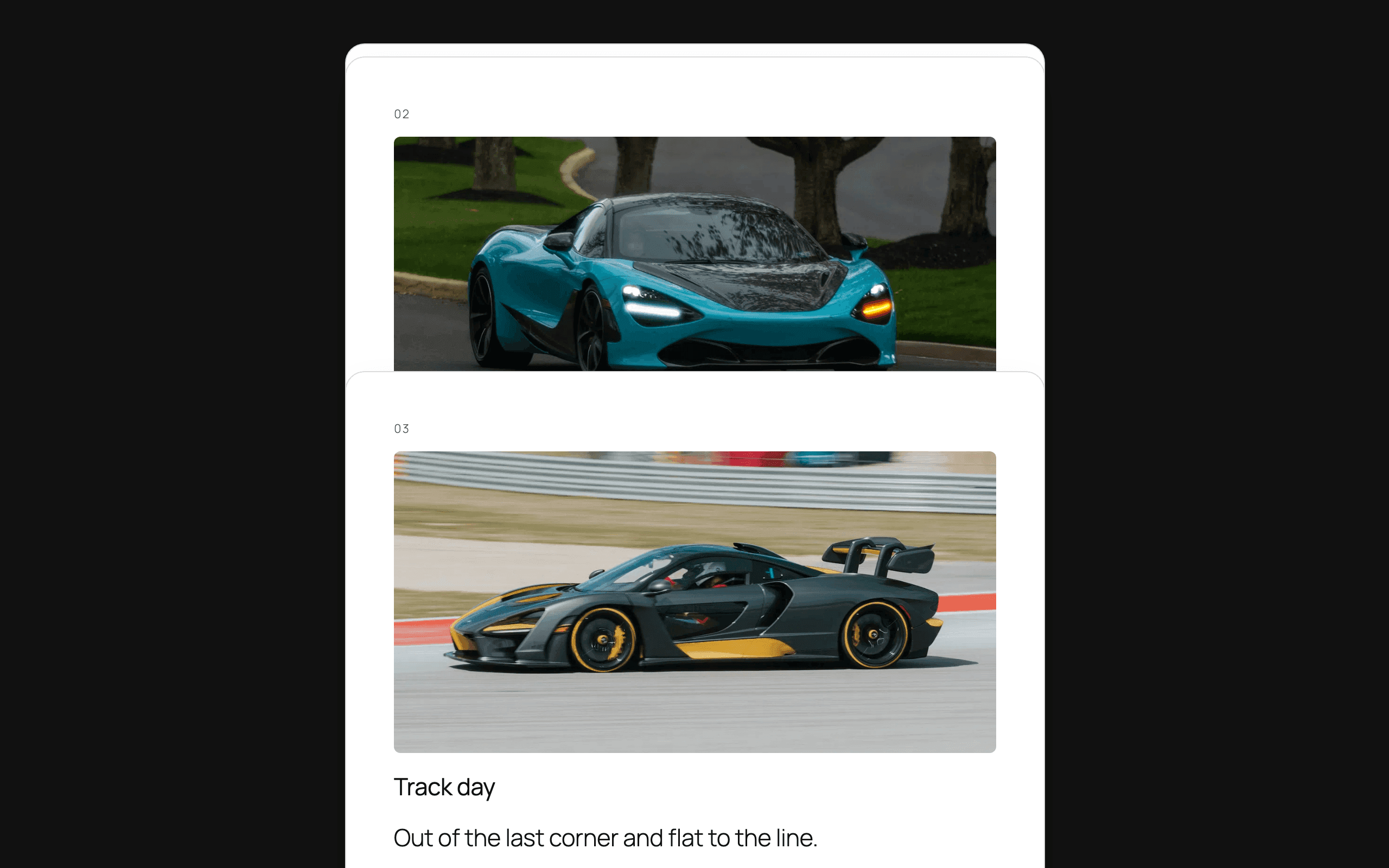
Stacking Cards, with Glide Pro
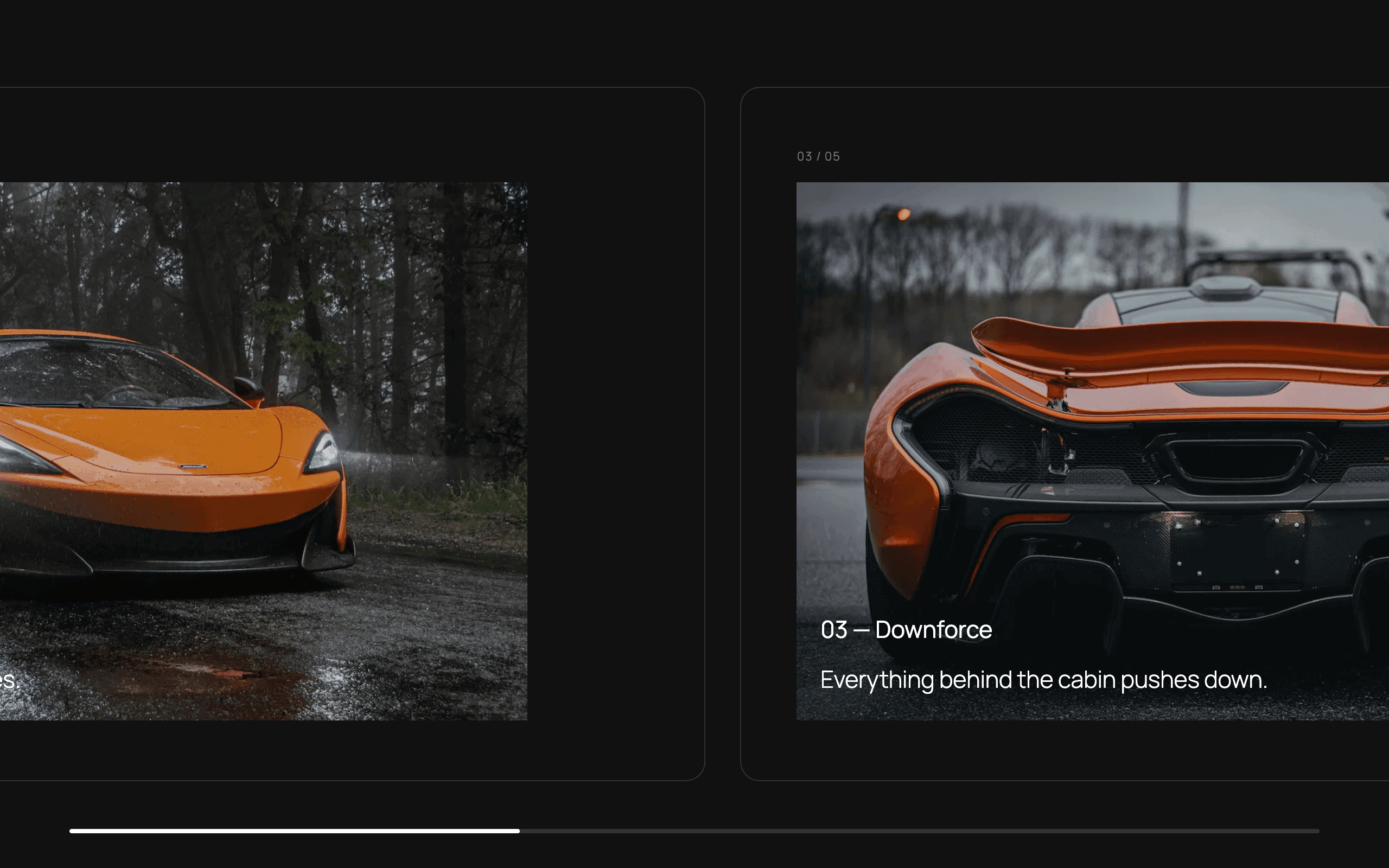
Horizontal Pin, with Glide Pro
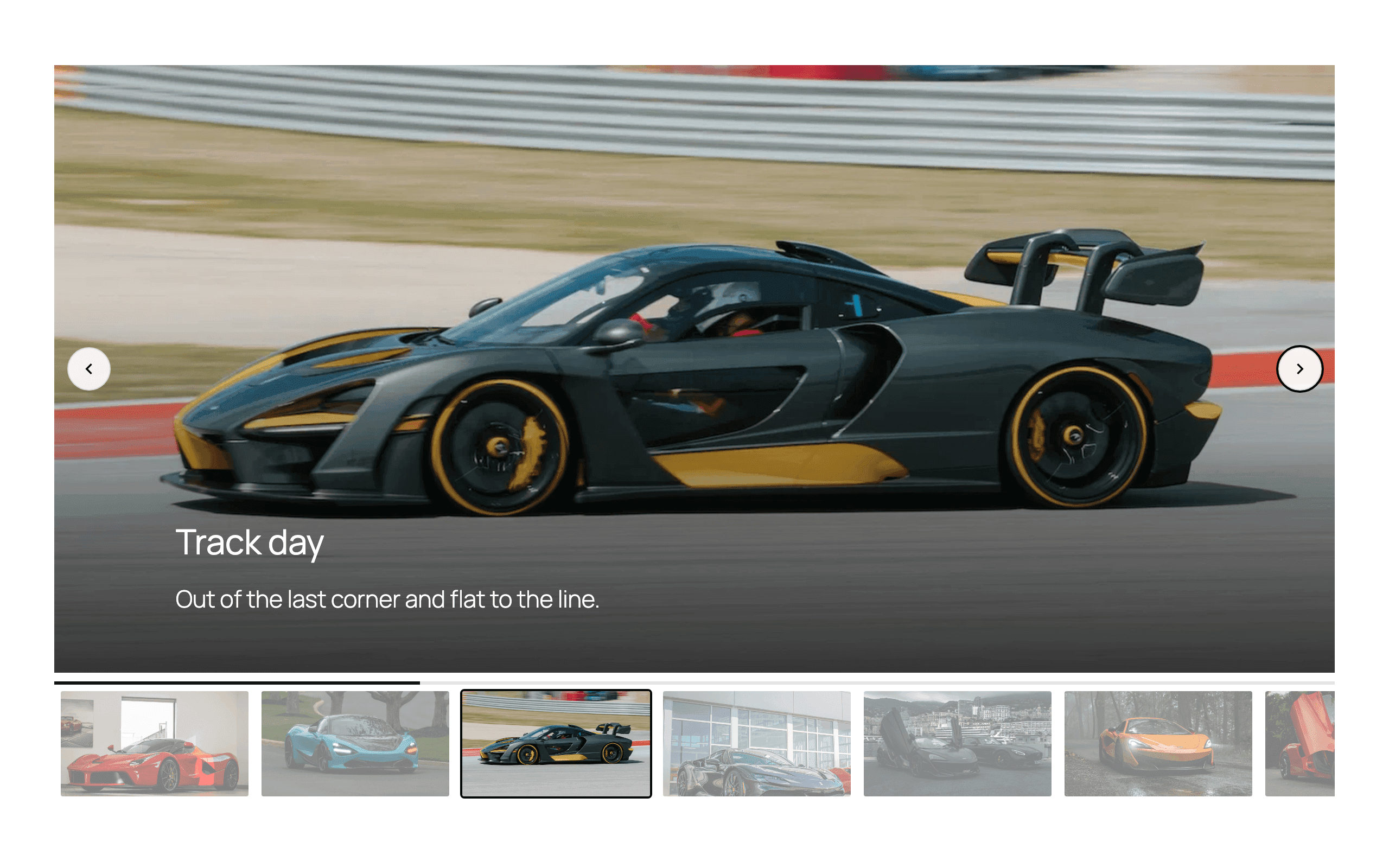
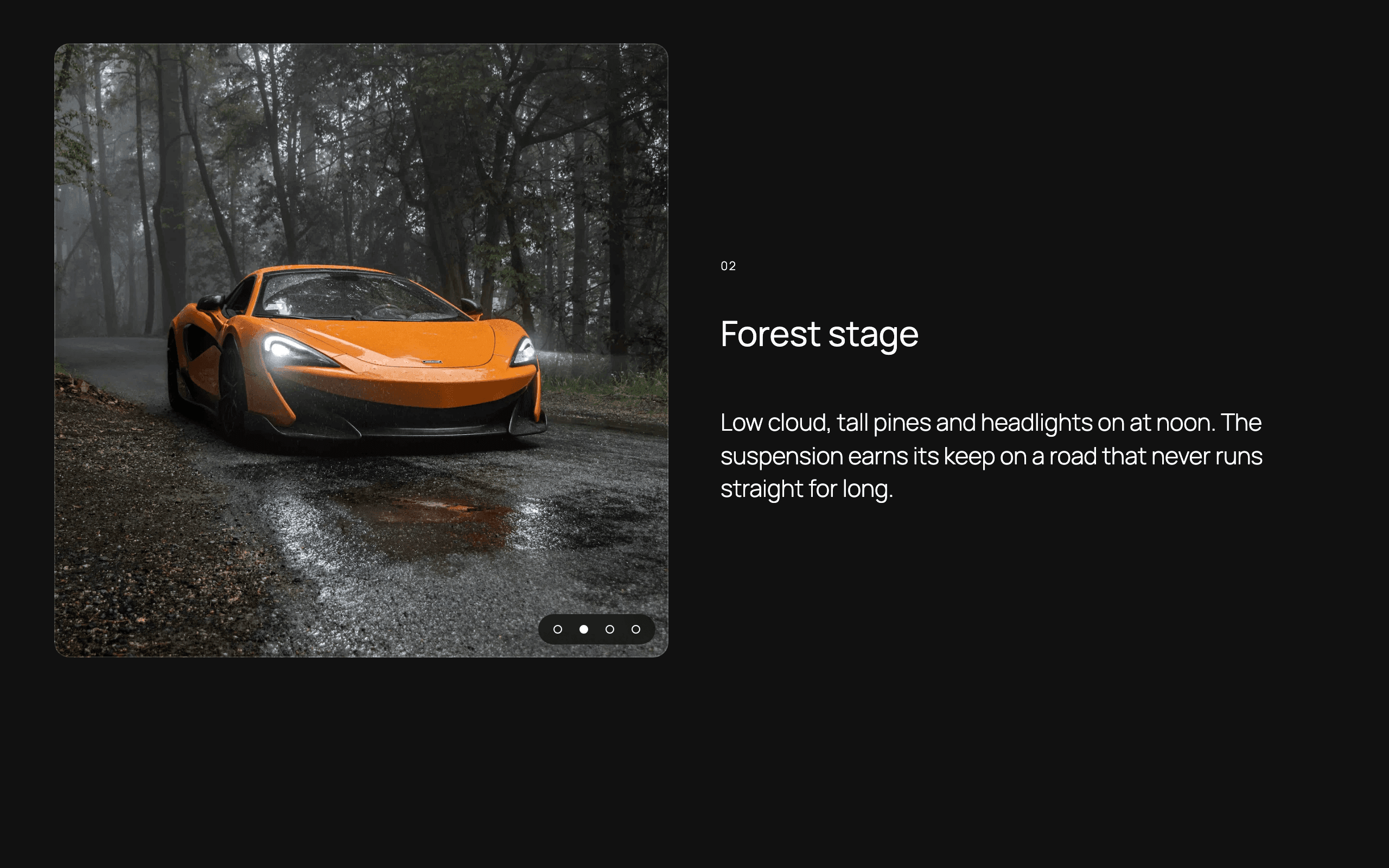
And a content slider, in full
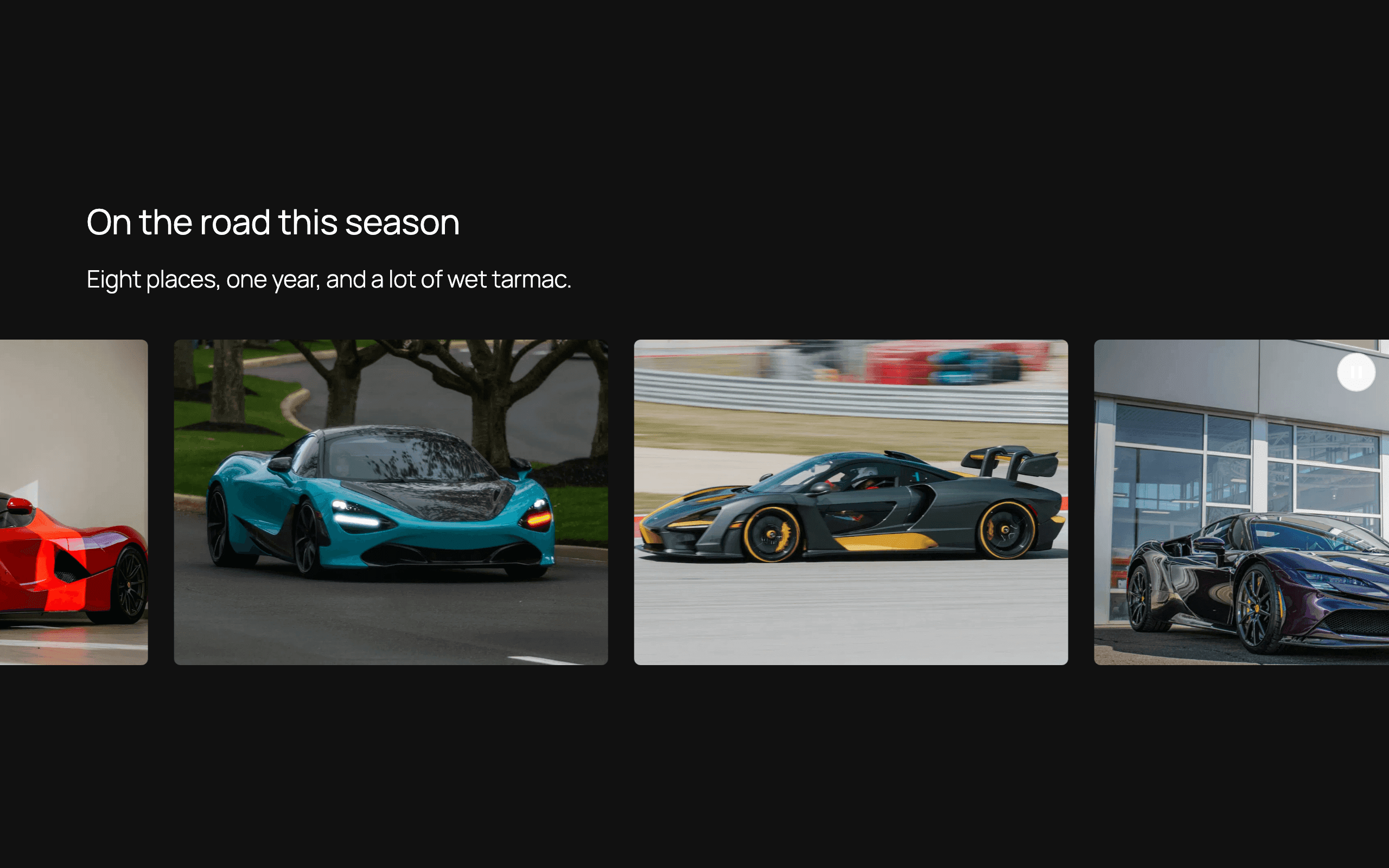
Marquee, with Glide Pro
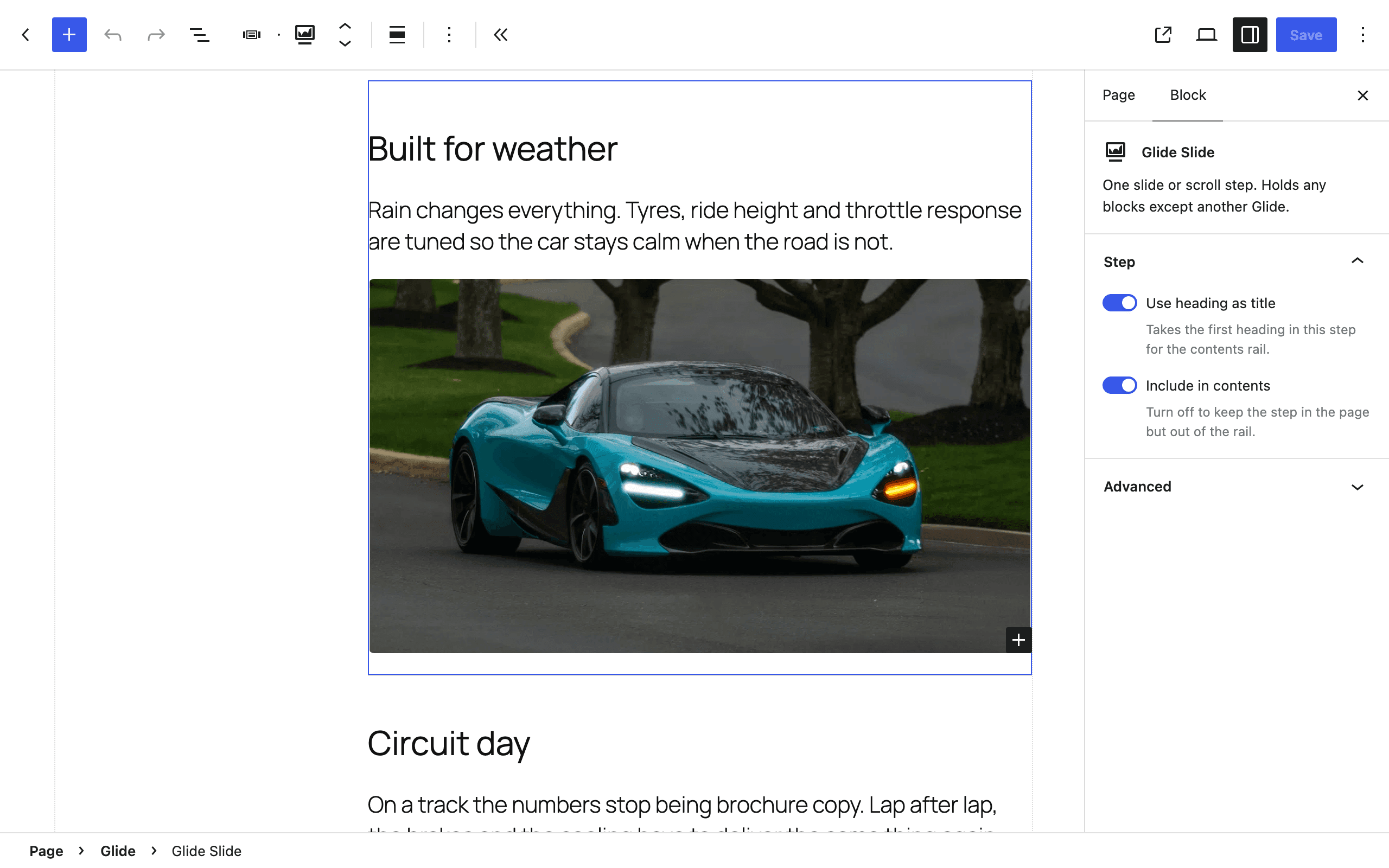
Each step or slide is a Glide Slide, and almost anything can go inside one — headings, paragraphs, images, buttons, columns, anything but another Glide. Your theme styles the text; Glide styles the structure around it.
On a phone, the chapters rail becomes a strip above the steps that keeps the current chapter in view, and the slider moves its arrows below the slides, off your text. In Glide Pro, a Sticky Media pane sits above its steps, and Horizontal Pin stops pinning and becomes a row you swipe.
The sidebar warns you about settings that cost readers control: arrows, dots and thumbnails all switched off, controls hidden until hover, a video background with no play and mute buttons and, in Glide Pro, a marquee pause button that is hidden or shows only on keyboard focus.
Each sticky layout checks the surfaces it draws — the chapters bar and phone strip and, in Glide Pro, its cards and panels — against the text on them. Where one would leave the text hard to read, as a white card inside a dark Group would, it takes the background behind the block instead, and checks again when the reader's device switches between light and dark.
Each mode's script and stylesheet load only when a block on the page uses it, and the slider's script loads when the block scrolls into view rather than with the page.
In Glide Pro, each chapter's link is made from its title, like #choose-your-layout. An Anchor field pins it, so a link someone has shared keeps working when the title changes.
Questions
What is Glide?
Glide builds scrollytelling sections in the block editor — layouts that change as the reader scrolls — and includes a content slider. The free edition has Sticky Chapters and the content slider; Glide Pro adds Sticky Media, Stacking Cards, Horizontal Pin and a marquee.
What does Glide Pro add?
Three more sticky-scroll layouts — Sticky Media, Stacking Cards and Horizontal Pin — a marquee that loops any blocks left, right, up or down, the Scale and Barn Doors transitions for the content slider, and chapter links made from each step's title.
What can go inside a slide or a step?
Any block except another Glide. Each slide or step is a Glide Slide, which takes headings, paragraphs, images, buttons, columns and other blocks, the same as the rest of the editor.
Does it work with my theme?
Glide styles structure — surfaces, spacing, and the controls it adds itself — and leaves type to your theme. Sticky Chapters takes its colors from the text color it inherits, so it fits whatever palette it lands in, including a dark one. And if a sticky layout's card or panel would still leave its text hard to read, it takes the background behind the block instead.
How does it behave on a phone?
Most layouts change for a narrow screen, each in its own way. The Sticky Chapters rail becomes a strip above the steps, which scrolls sideways to keep the current chapter in view. The content slider shows one slide at a time and moves its arrows below the slides, so they don't sit over your text. On a short or zoomed-in screen, it grows to fit each slide's content instead of cutting it off. In Glide Pro, a Sticky Media pane sits above its steps, and Horizontal Pin stops pinning: its panels become a row you swipe.
What do readers who ask for reduced motion see?
The content slider turns its transitions off, starts autoplay paused and pauses background videos. Chapter jumps are instant. In Glide Pro, Sticky Media changes its image without the transition, Stacking Cards still pile up but don't shrink, turn or fade, the marquee starts paused, and Horizontal Pin stacks its panels vertically, unless you set its Reduced motion option to Keep pinned.
Does it work with JavaScript switched off?
Sticky Chapters does: the rail is rendered on your server as a <nav> of links to the steps, and on wider screens it pins with CSS. In Glide Pro, Stacking Cards pile up with CSS alone. The rest need JavaScript to move: without it, the content slider shows only its first view, Sticky Media its first image and Horizontal Pin its first panel.
Will it slow my site down?
Each mode's script and stylesheet load only when a block on the page uses it, and the slider's script loads when the block scrolls into view rather than with the page.
Where do video posters come from?
You can choose your own. If you don't, and the video is from your Media Library with no thumbnail of its own, Glide makes a poster from a frame two seconds in. Your server takes the frame if it has ffmpeg, and your browser takes it if not, and the poster is saved to your Media Library. The poster also becomes the slide's thumbnail. Paste a YouTube or Vimeo link instead, and the editor fetches that video's own image for the slide's thumbnail.
What happens if my Glide Pro license lapses?
Updates stop. Nothing else does: every block, layout and setting keeps working, and your pages render exactly as before.
Get Glide
Free builds the chapters and the slider. Glide Pro adds three more sticky-scroll layouts and a marquee.
Free
Sticky Chapters and a full content slider, as blocks you edit in place. Nothing in it expires.
- Sticky Chapters: a contents rail that stays in view beside your steps on wider screens
- On phones, the rail becomes a strip above the steps that keeps the current chapter in view
- Chapter links that work with JavaScript switched off
- Content slider with arrows, dots, a progress bar or no controls
- Autoplay, loop and drag-free scrolling
- One to six slides per view
- Thumbnail navigation, below, above or beside the slides
- Video backgrounds from your Media Library, YouTube or Vimeo
- Video posters made for you, from a frame of a Media Library video
- An overlay block, for content that stays on top of the slider
- Fade transition, at one slide per view
- Testimonial pattern, with a star rating block
- Any blocks inside a slide, except another Glide
Pro
Everything in Free, plus the layouts that move — Sticky Media, Stacking Cards and Horizontal Pin — a marquee, and the Scale and Barn Doors slide transitions.
- Sticky Chapters: a contents rail that stays in view beside your steps on wider screens
- On phones, the rail becomes a strip above the steps that keeps the current chapter in view
- Chapter links that work with JavaScript switched off
- Content slider with arrows, dots, a progress bar or no controls
- Autoplay, loop and drag-free scrolling
- One to six slides per view
- Thumbnail navigation, below, above or beside the slides
- Video backgrounds from your Media Library, YouTube or Vimeo
- Video posters made for you, from a frame of a Media Library video
- An overlay block, for content that stays on top of the slider
- Fade transition, at one slide per view
- Testimonial pattern, with a star rating block
- Any blocks inside a slide, except another Glide
- Sticky Media: a media pane that holds while the story scrolls past
- Stacking Cards: cards that pile up, each sliding over the last
- Horizontal Pin: the section holds while its panels travel sideways
- Marquee: a continuous loop of any blocks, moving left, right, up or down
- Scale and Barn Doors slide transitions
- Chapter links made from each step's title, with an Anchor field to pin one
- Dedicated support
Price for one site. Every release while your subscription is active, new major versions included — a lapse stops updates, never the plugin.
Pro Forever
Everything in Free, plus the layouts that move — Sticky Media, Stacking Cards and Horizontal Pin — a marquee, and the Scale and Barn Doors slide transitions.
- Sticky Chapters: a contents rail that stays in view beside your steps on wider screens
- On phones, the rail becomes a strip above the steps that keeps the current chapter in view
- Chapter links that work with JavaScript switched off
- Content slider with arrows, dots, a progress bar or no controls
- Autoplay, loop and drag-free scrolling
- One to six slides per view
- Thumbnail navigation, below, above or beside the slides
- Video backgrounds from your Media Library, YouTube or Vimeo
- Video posters made for you, from a frame of a Media Library video
- An overlay block, for content that stays on top of the slider
- Fade transition, at one slide per view
- Testimonial pattern, with a star rating block
- Any blocks inside a slide, except another Glide
- Sticky Media: a media pane that holds while the story scrolls past
- Stacking Cards: cards that pile up, each sliding over the last
- Horizontal Pin: the section holds while its panels travel sideways
- Marquee: a continuous loop of any blocks, moving left, right, up or down
- Scale and Barn Doors slide transitions
- Chapter links made from each step's title, with an Anchor field to pin one
- Dedicated support
- Yours forever — one year of updates included
Price for one site. Updates for a year, up to the next paid version. After that, keep the build you own — renew updates for $49, or upgrade to a new paid version, when one ships, for $99.